

Imagine sitting near the back of a meeting room while someone presents from the front.
Your hearing aids are switched on and working as expected. Yet the speaker’s voice still feels distant. Air-conditioning noise, chairs moving, quiet side conversations, and reflections from the walls all reach your ears at the same time.
The problem is not necessarily that your hearing aids need to make everything louder.
The problem may be that the voice you want to hear has already traveled across the room before reaching the microphones at your ears.
This is one of the central challenges of listening over distance. Hearing aids can process sound, apply directionality, and help improve access to speech. But they still begin with the sound that reaches the listener’s position.
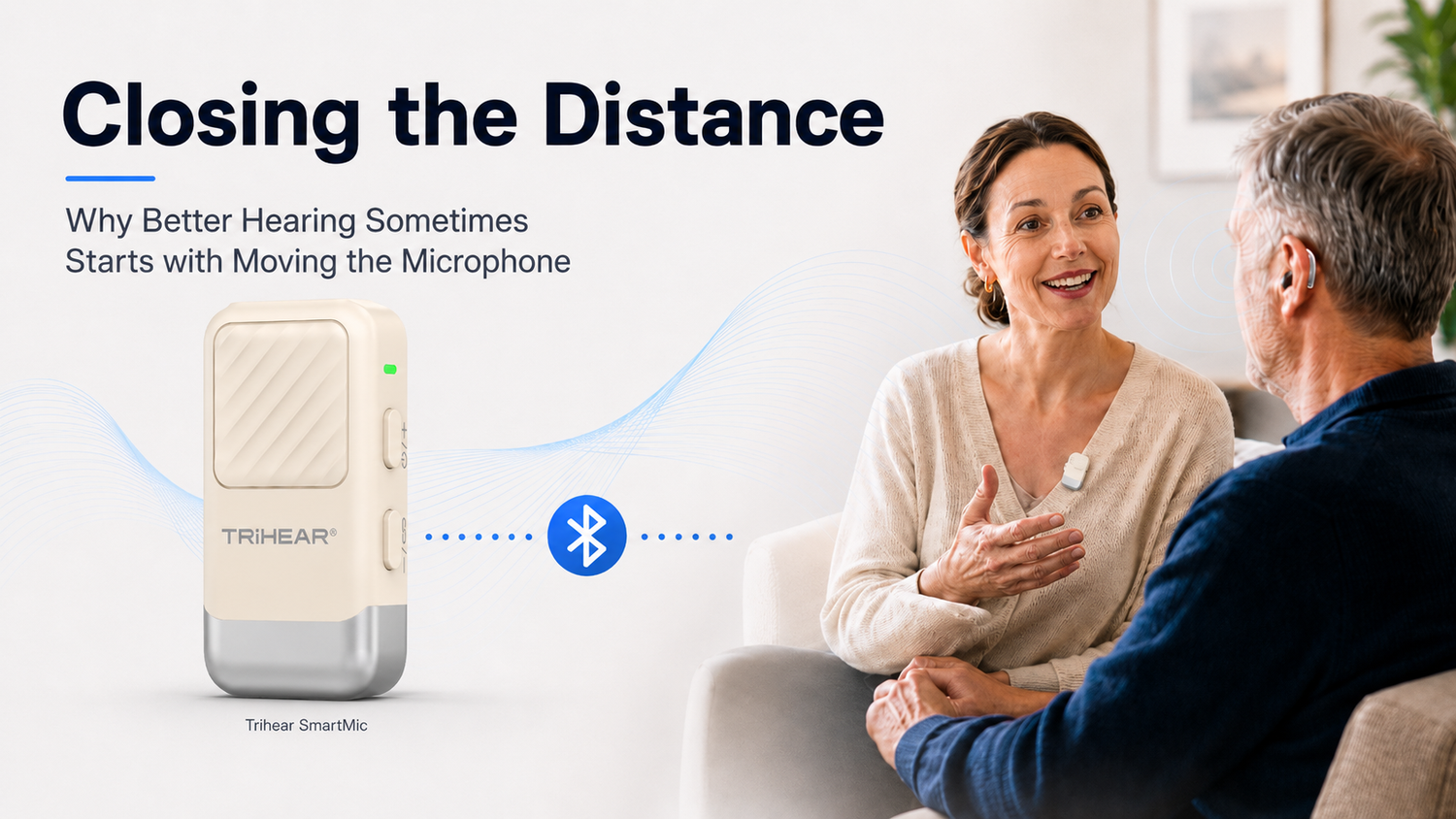
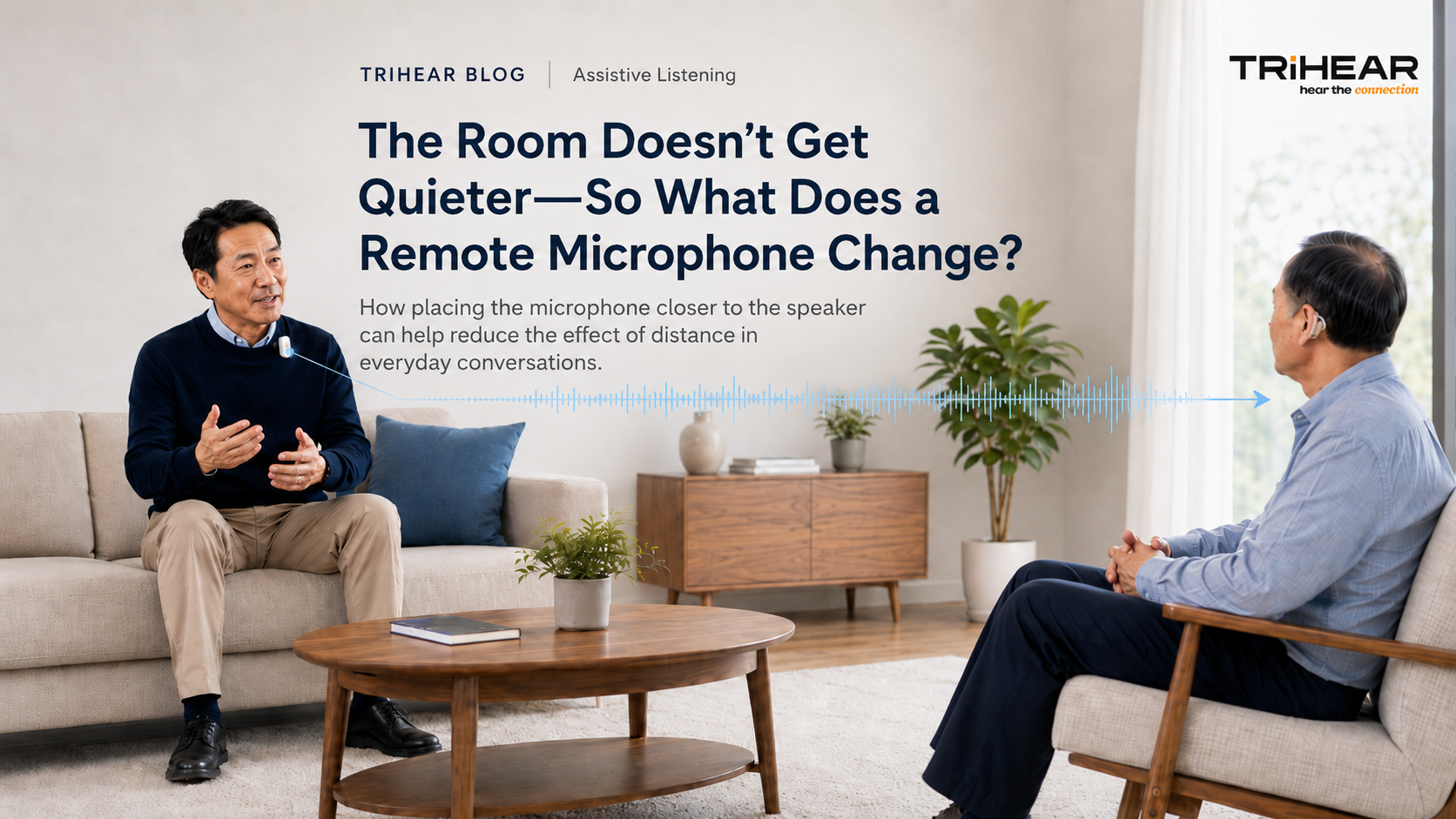
Sometimes, improving the listening experience starts somewhere else entirely: by moving the microphone closer to the person speaking.
The Voice Has to Cross the Room
Sound changes as it travels.
When someone speaks nearby, their voice usually reaches the listener with relatively strong detail. As the distance increases, that voice becomes weaker relative to other sounds in the environment.
In a quiet living room, this may be manageable. In a restaurant, classroom, church, lecture hall, or meeting room, the same voice must compete with many other sound sources:
- conversations at nearby tables;
- ventilation and equipment noise;
- footsteps and moving furniture;
- music and public-address systems;
- sound reflecting from walls, windows, and ceilings.
Hearing aids remain essential listening tools for many people, but no device at the listener’s ears can prevent the target voice from first traveling through that environment.
Modern hearing aids may use directional microphones, noise management, and other forms of sound processing. Even so, distance, surrounding noise, and room reverberation can continue to make speech difficult to follow—particularly when the speaker is several meters away. Remote microphone systems address this problem by capturing the voice closer to its source before transmitting it to the listener.
The Microphone Is Still at the Listener’s Ears
Most hearing aid microphones are positioned exactly where they need to be for everyday listening: at the user’s ears.
That works well for many conversations and environmental sounds. But in a difficult listening situation, the microphone may be physically closer to the unwanted noise than it is to the person speaking.
Consider a restaurant conversation. The hearing aid user may be sitting across from a family member, while another group talks beside them and dishes are being cleared behind them.
The hearing aids receive all of those sounds from the listener’s location.
Making everything louder would not necessarily make the family member’s voice easier to understand. What matters is the relationship between the target voice and the surrounding sound.
A remote microphone changes that relationship by moving the point of sound capture.
Instead of asking the microphones at the listener’s ears to reach across the table—or across an entire room—the remote microphone is placed close to the speaker.
That voice can then be streamed directly to compatible hearing aids.
Rethinking the Remote Microphone as an Everyday Tool

Remote microphones are not new.
Advanced systems such as the Phonak Roger family have demonstrated how useful remote microphone technology can be in classrooms, workplaces, meetings, and other challenging environments. Premium systems may include automatic microphone direction detection, multiple listening modes, multi-speaker support, and tools designed for complex professional or educational situations.
These capabilities can be extremely valuable.
But they can also shape how consumers perceive the entire category.
Remote microphones may appear to be:
- specialized professional accessories;
- products intended mainly for schools or workplaces;
- complicated additions to a larger hearing system;
- devices that require extensive setup;
- tools priced beyond what some users need for ordinary situations.
Yet the underlying problem is common.
A person may simply want to hear one main speaker more clearly during a family conversation, a training session, a church service, or a meeting.
That raises an important design question:
What should a remote microphone look like when its primary job is simply to bring one person’s voice closer?
Not every listener needs a full multi-mode system. Some need a focused, easy-to-understand tool for straightforward speaker-to-hearing-aid streaming.
Designing Around One Clear Job
When developing Trihear SmartMic, the goal was not to fit every possible microphone function into one device.
The product was designed around one central task:
Capture the target voice close to the speaker and send it directly to compatible hearing aids.
SmartMic can be clipped to a speaker’s collar or chest, or placed close to the person speaking. This makes it suitable for situations in which one primary voice matters most, including:
- a teacher at the front of a classroom;
- a presenter during a meeting or training session;
- a speaker in a church or lecture hall;
- a family member across a restaurant table;
- someone speaking from across a room.
The operating process was also kept deliberately direct.
On first use, SmartMic automatically enters pairing mode after it is powered on. The user turns on the compatible hearing aids and brings them close to the microphone. Once paired, the device can automatically reconnect during later use.
Volume can be adjusted through physical buttons on the device, without requiring the user to download an app, create an account, or navigate through several software menus.
This simplicity is not an absence of design.
It is the design decision.
Assistive technology should reduce the effort required to participate in a conversation—not introduce another complicated process before the conversation can begin.
Making the Technology Less Intrusive

The physical size of an assistive device affects more than portability.
It can also affect whether people feel comfortable using it in public.
A large device placed in the middle of a restaurant table may draw attention to the technology. It can make the conversation feel organized around the equipment rather than around the people involved.
Some users may not mind this at all. Others may hesitate to take out an assistive device if it feels too visible, formal, or disruptive.
SmartMic measures approximately 45 × 26 × 18 mm and weighs 18 g. It can be clipped to clothing and carried without taking up meaningful table or bag space.
The objective was not to make the product literally invisible.
It was to give it a lower-profile presence—to support the listening experience without becoming the center of the interaction.
A remote microphone should help people stay involved in the moment. Ideally, the technology itself should require very little attention once the connection is established.
From Spoken Conversation to Media Audio
Although SmartMic is primarily designed to capture speech close to the source, the same direct-streaming principle can also support certain media-listening situations.
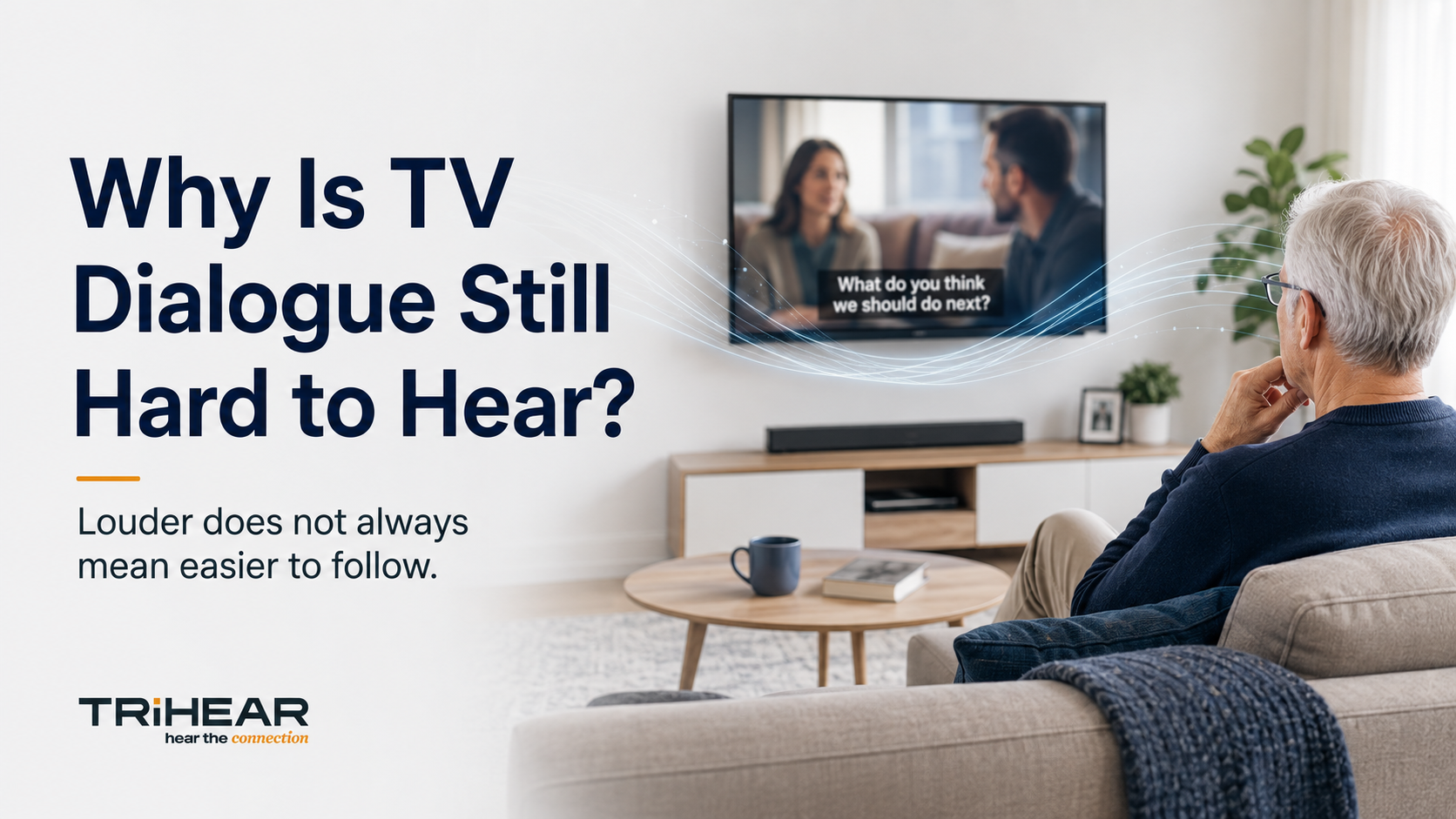
The device includes a 3.5 mm audio input. Using the included audio cable, it can be connected to a compatible television, set-top box, phone, or other audio source.
Instead of using the microphone to pick up sound from the room, the audio source can be sent into SmartMic through the cable and then streamed to the hearing aids.
This does not turn SmartMic into a complete home entertainment system. It simply provides an additional way to use the same direct audio connection when a wired source is available.
SmartMic also offers up to approximately 20 meters of wireless range under suitable conditions and around eight hours of typical battery life. Walls, large furniture, interference, distance, and the specific hearing aids being used may affect real-world performance.
Compatibility Before Capability

A hearing aid accessory is only useful when it works with the listener’s actual hearing aids.
SmartMic is optimized for selected Bluetooth-enabled Phonak and Unitron hearing aid families. The currently listed compatible families include:
Phonak
- Infinio Series
- Lumity Series
- Paradise Series
- Marvel Series
Unitron
- Blu Series
- DX Series
- Moxi Series
- Ativo Series
- Vivante Series
However, a brand or family name alone does not guarantee compatibility.
The exact hearing aid model, firmware version, wireless protocol, and future manufacturer updates may affect whether a connection works as expected. SmartMic also does not support Auracast broadcasting.
For that reason, compatibility should be confirmed before purchase.
Users who do not see their exact model listed—or who are uncertain about their hearing aid generation—should contact Trihear Support with the model information before ordering.
This is more important than any advertised range, battery figure, or feature list.
A product should first fit the user’s hearing system. Only then do its other capabilities matter.
Engineering for Participation
Difficult listening is not only an audio problem.
It can influence whether someone asks a question during a meeting, follows a lecture, joins a family discussion, understands a church service, or decides that participating requires too much effort.
A remote microphone cannot resolve every listening challenge. It does not replace hearing aids, professional fitting, hearing evaluation, or appropriate hearing care.
But in the right situation, it can address one problem at its source: the distance between the speaker and the listener.
Moving the microphone closer may seem like a small technical change.
In practice, it can change how directly a person receives the voice they are trying to hear—and how connected they feel to the moment around them.
Trihear SmartMic was designed around that idea: a compact, focused, and more accessible way to bring one speaker’s voice closer to compatible Phonak and Unitron hearing aid users.
Before purchasing, check whether your hearing aids are supported.
[Check SmartMic Compatibility and Explore Trihear SmartMic]

Leave a comment
This site is protected by hCaptcha and the hCaptcha Privacy Policy and Terms of Service apply.