

Trihear ClearTV Auralink
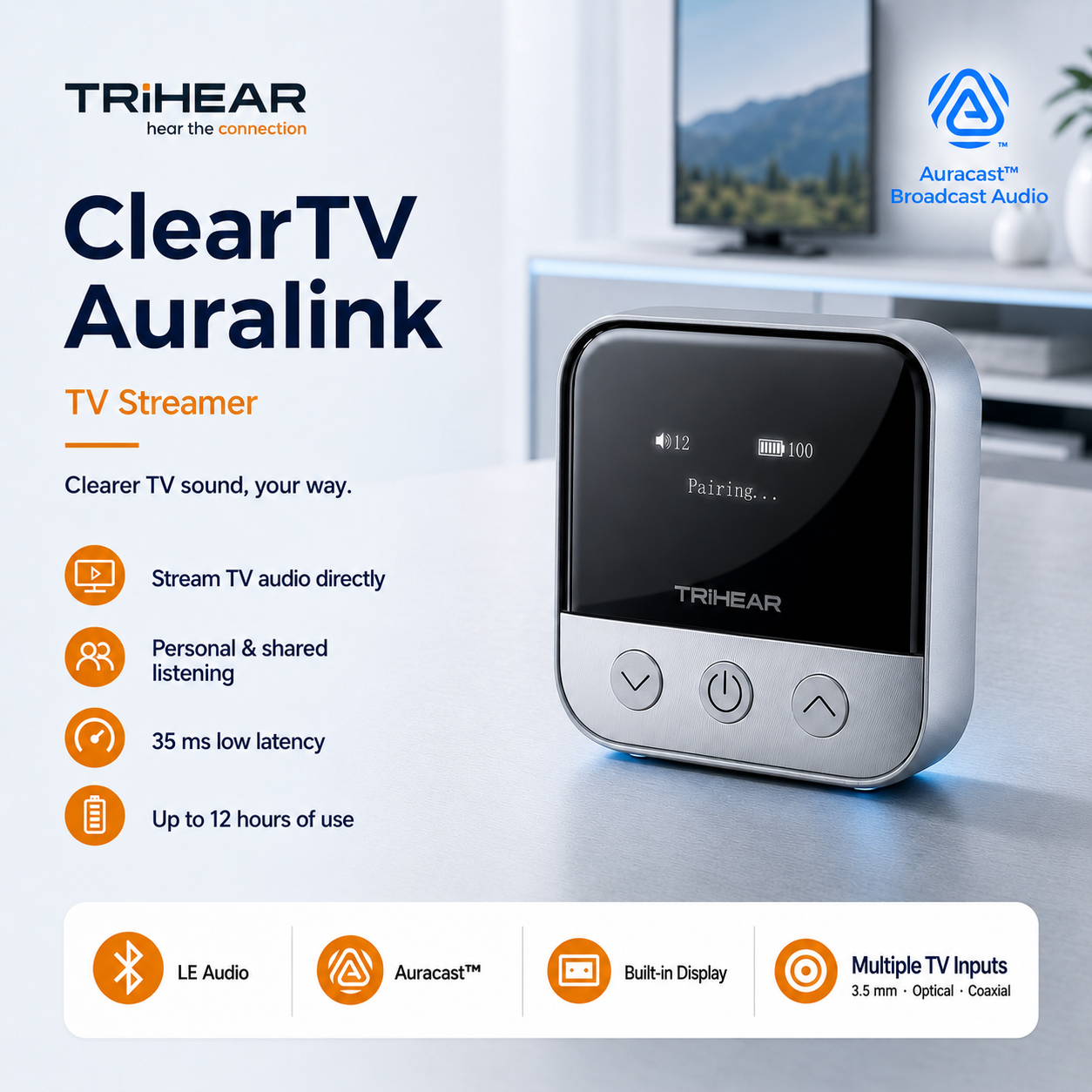
- Switch between LE Audio and Auracast for personal listening or shared broadcast audio.
- 0.035s low latency helps keep TV sound more closely aligned with the picture.
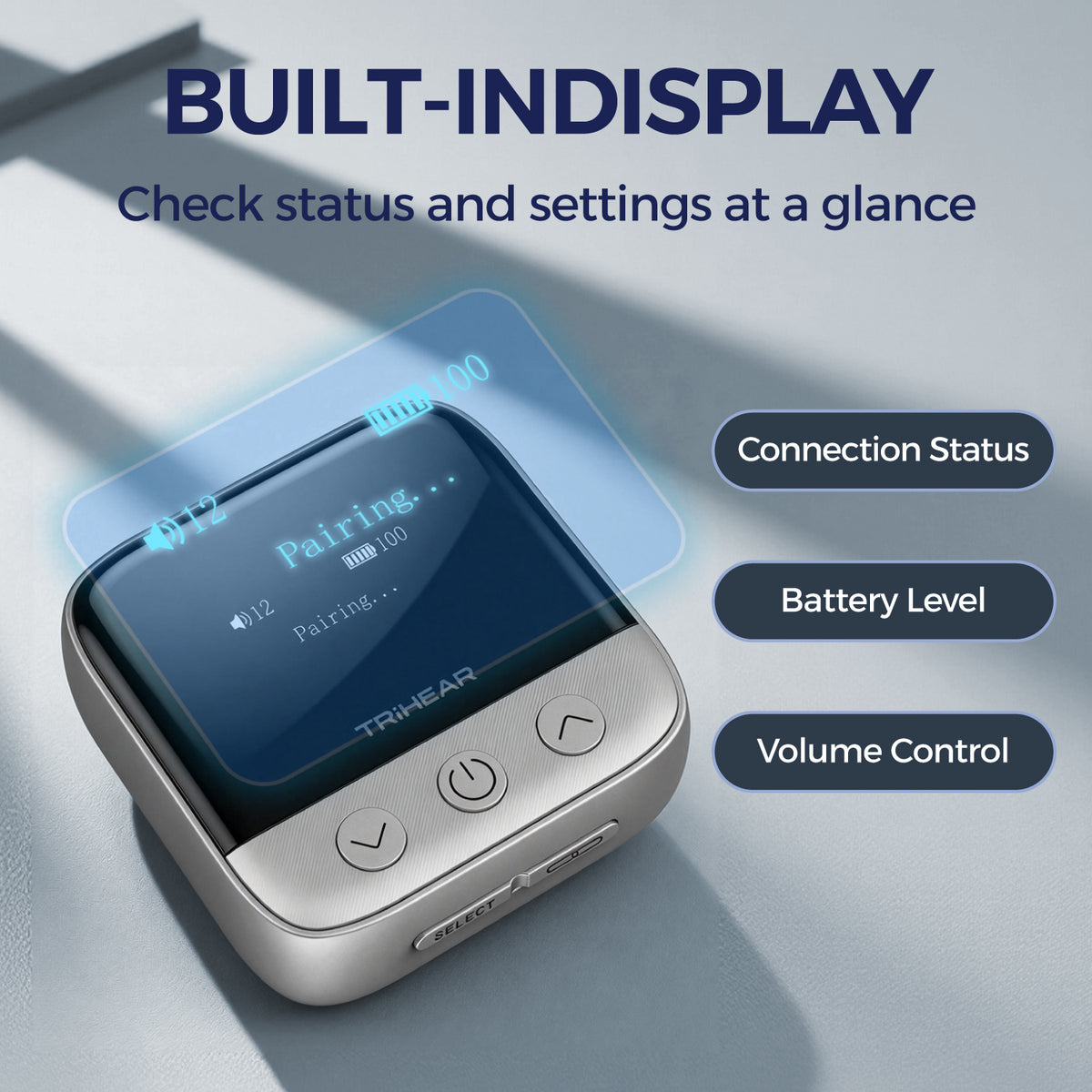
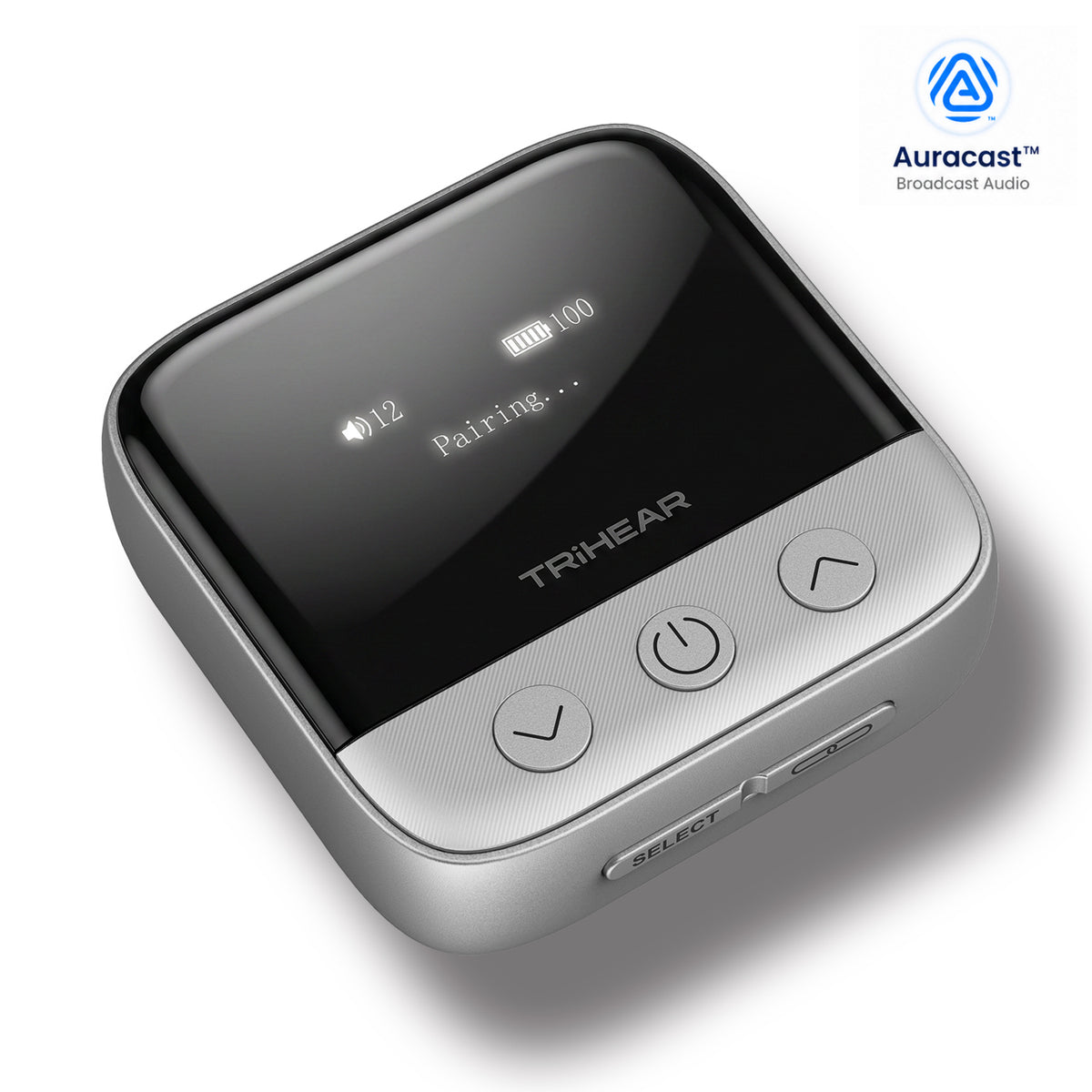
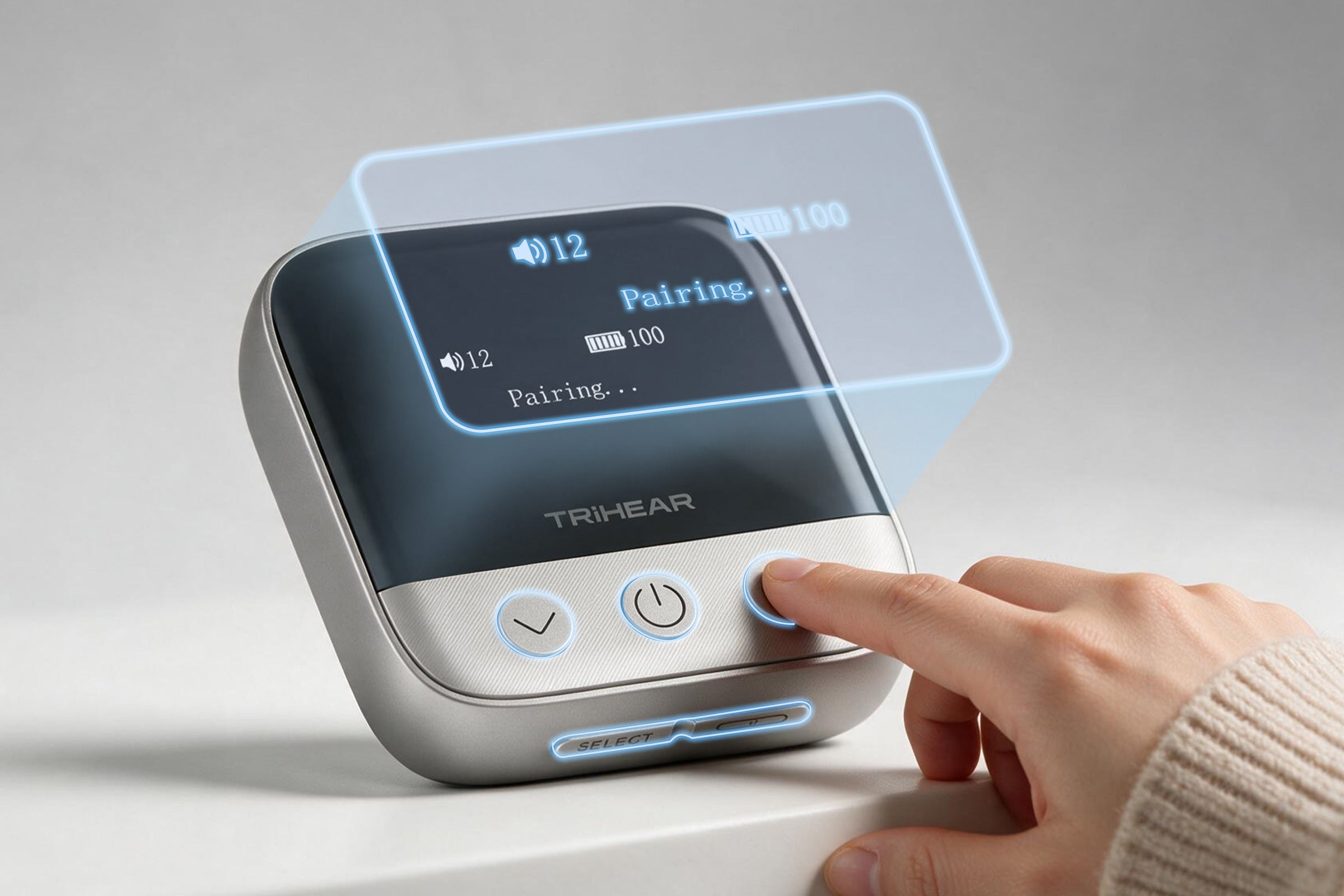
- Built-in display makes pairing, connection, volume, and mode easier to see.
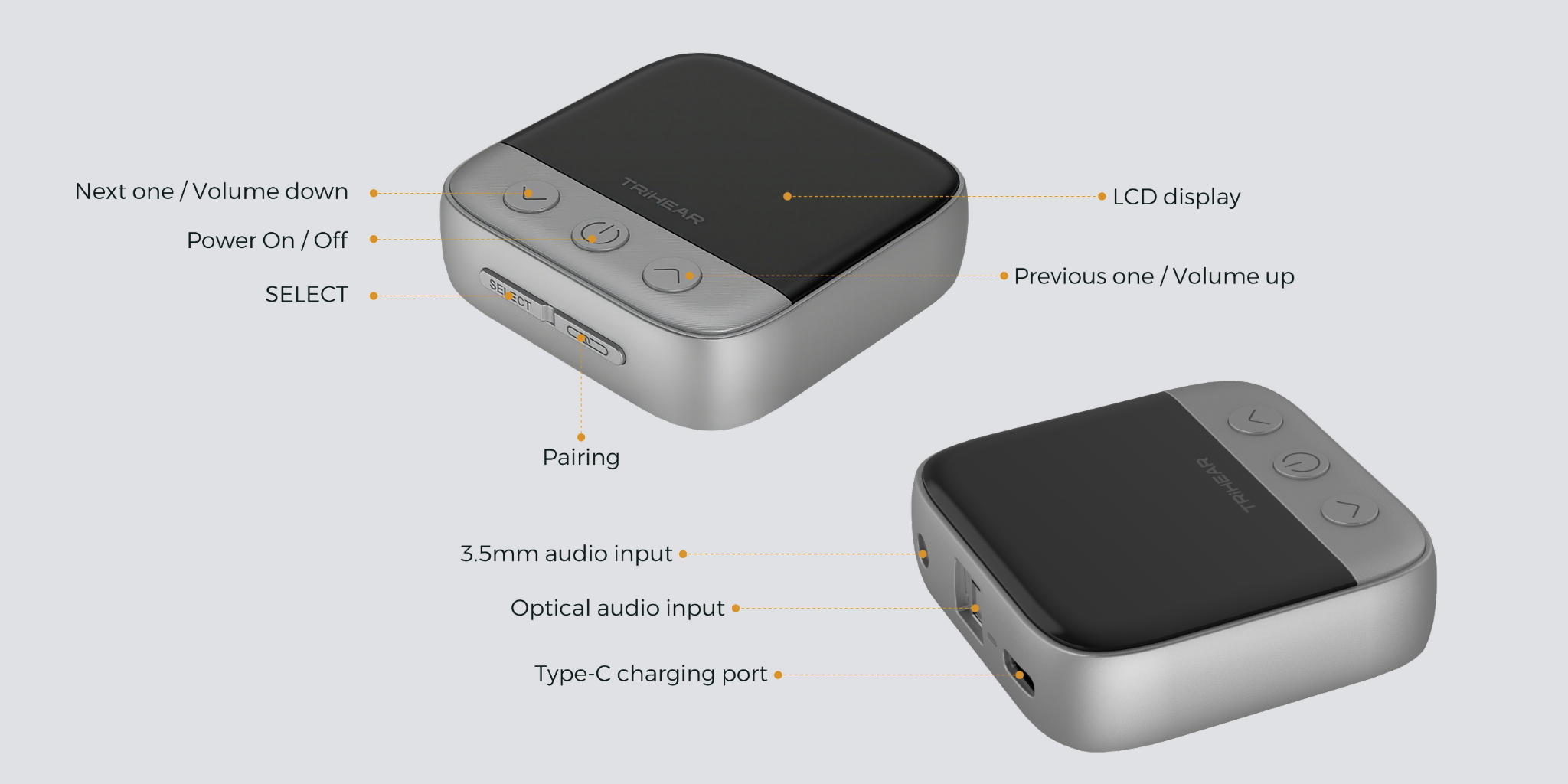
- Flexible audio input with 3.5 mm, optical, and coaxial connections.
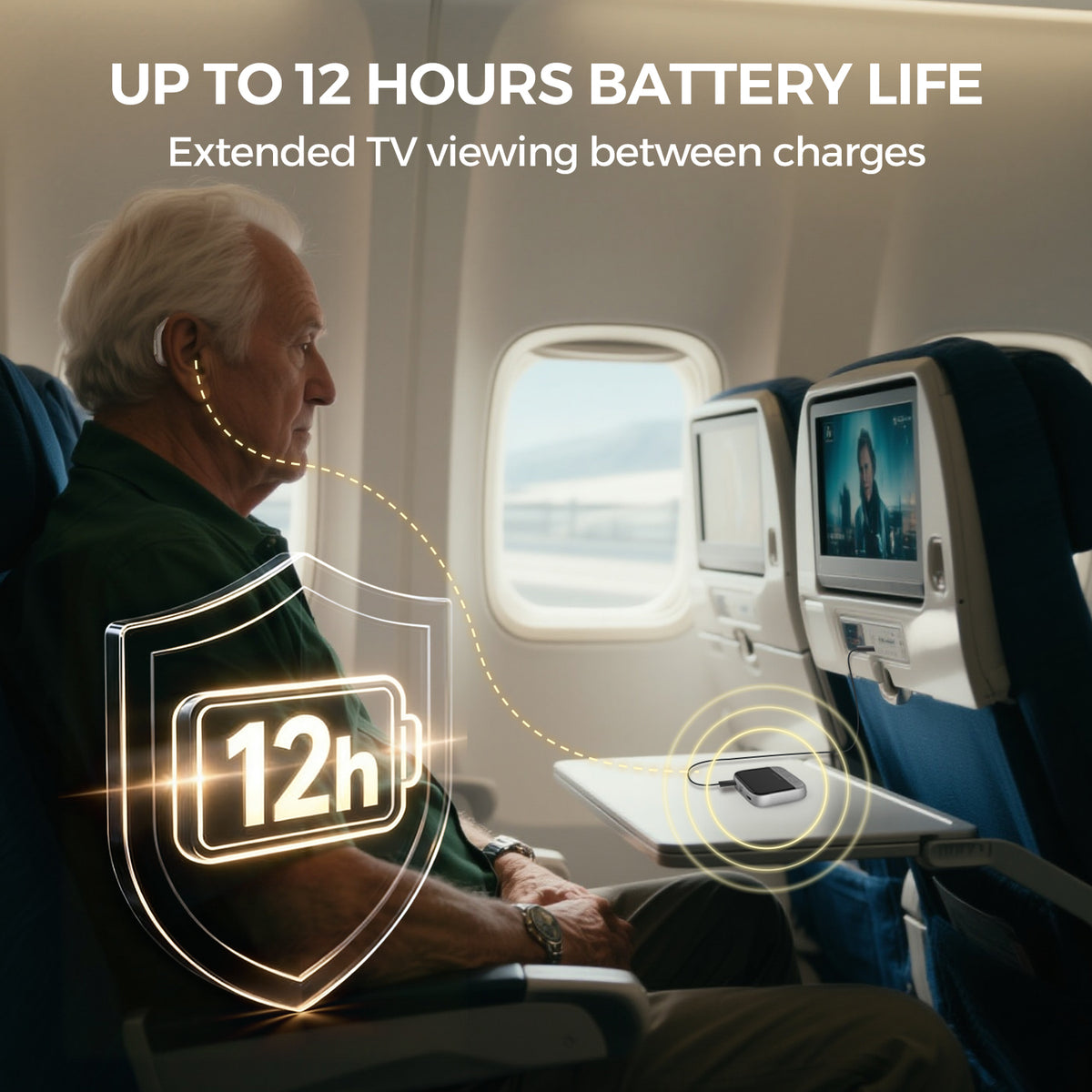
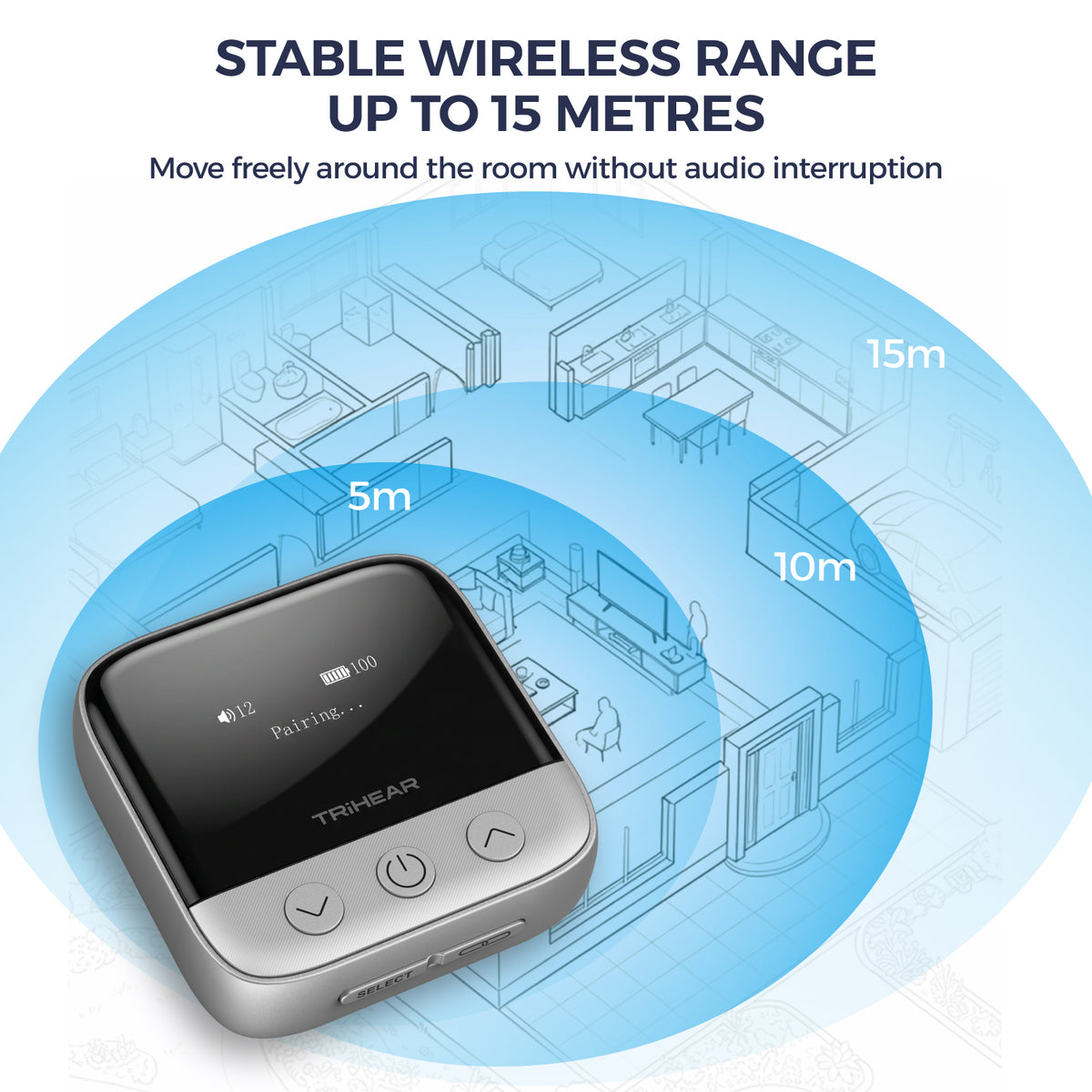
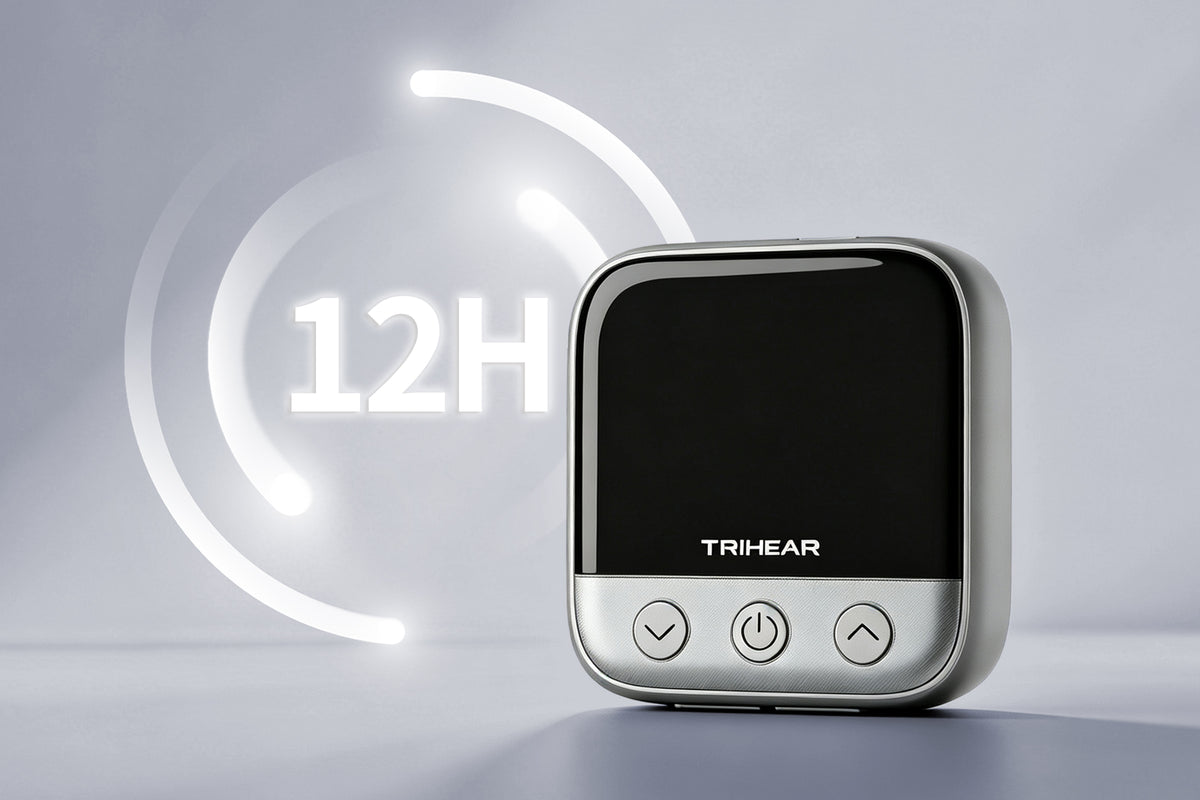
- Up to 12 hours of rechargeable use with up to 15 m wireless range.
One TV Streamer. Two Ways to Listen.
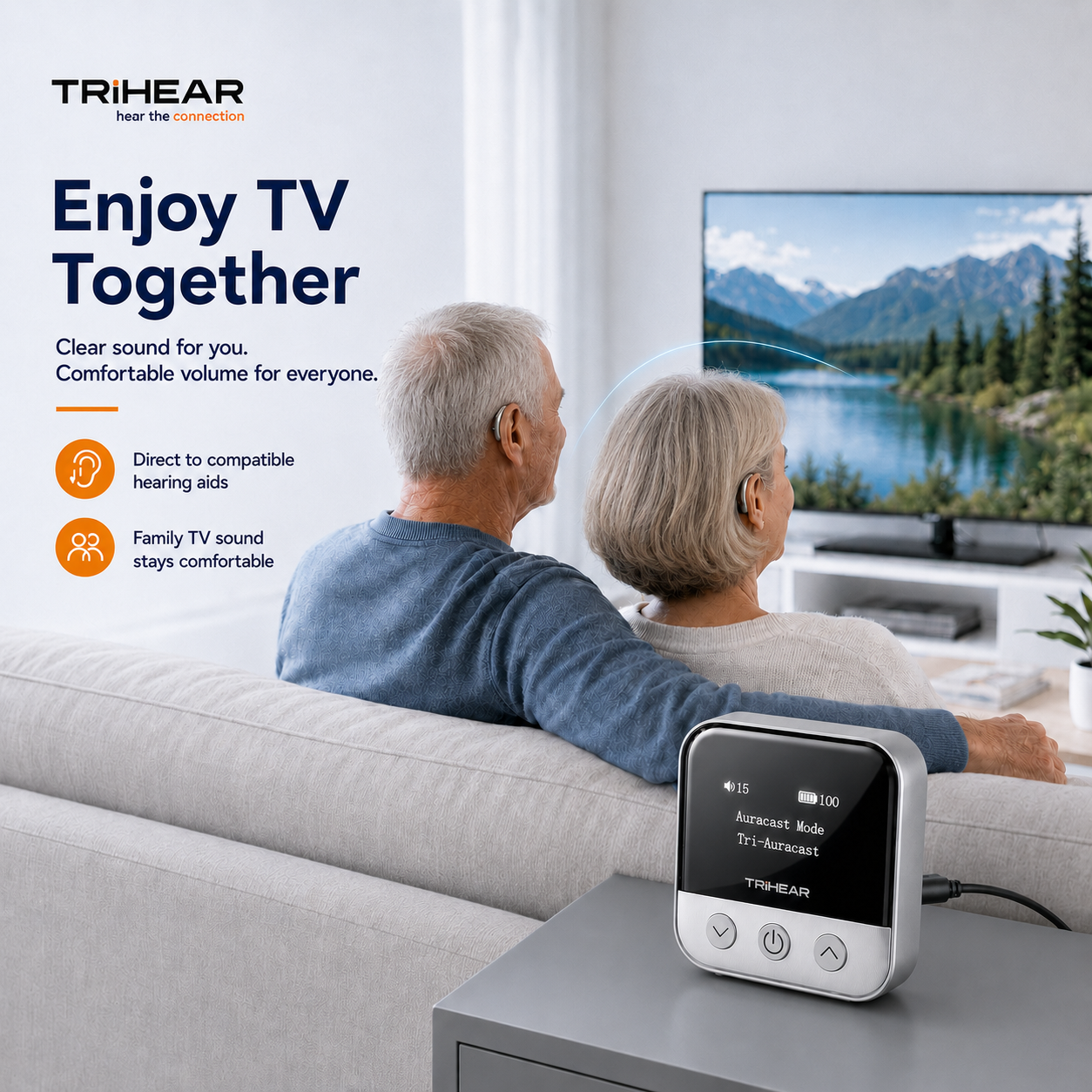
ClearTV 3.0 brings Bluetooth LE Audio and Auracast into one TV streaming device, giving you the flexibility to listen directly through compatible hearing aids or share TV audio with multiple compatible hearing devices through Auracast broadcast.
TV Sound, Streamed Directly
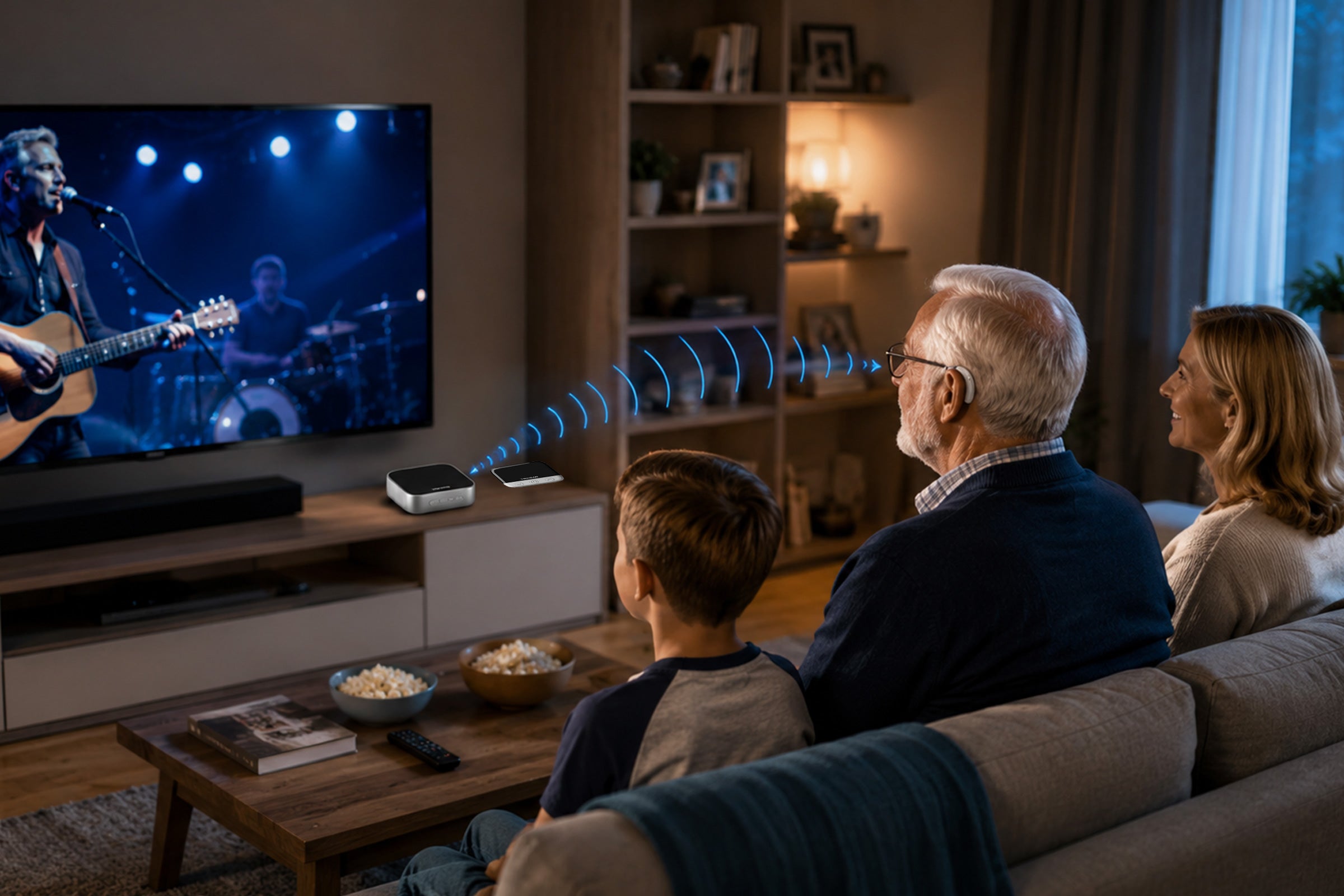
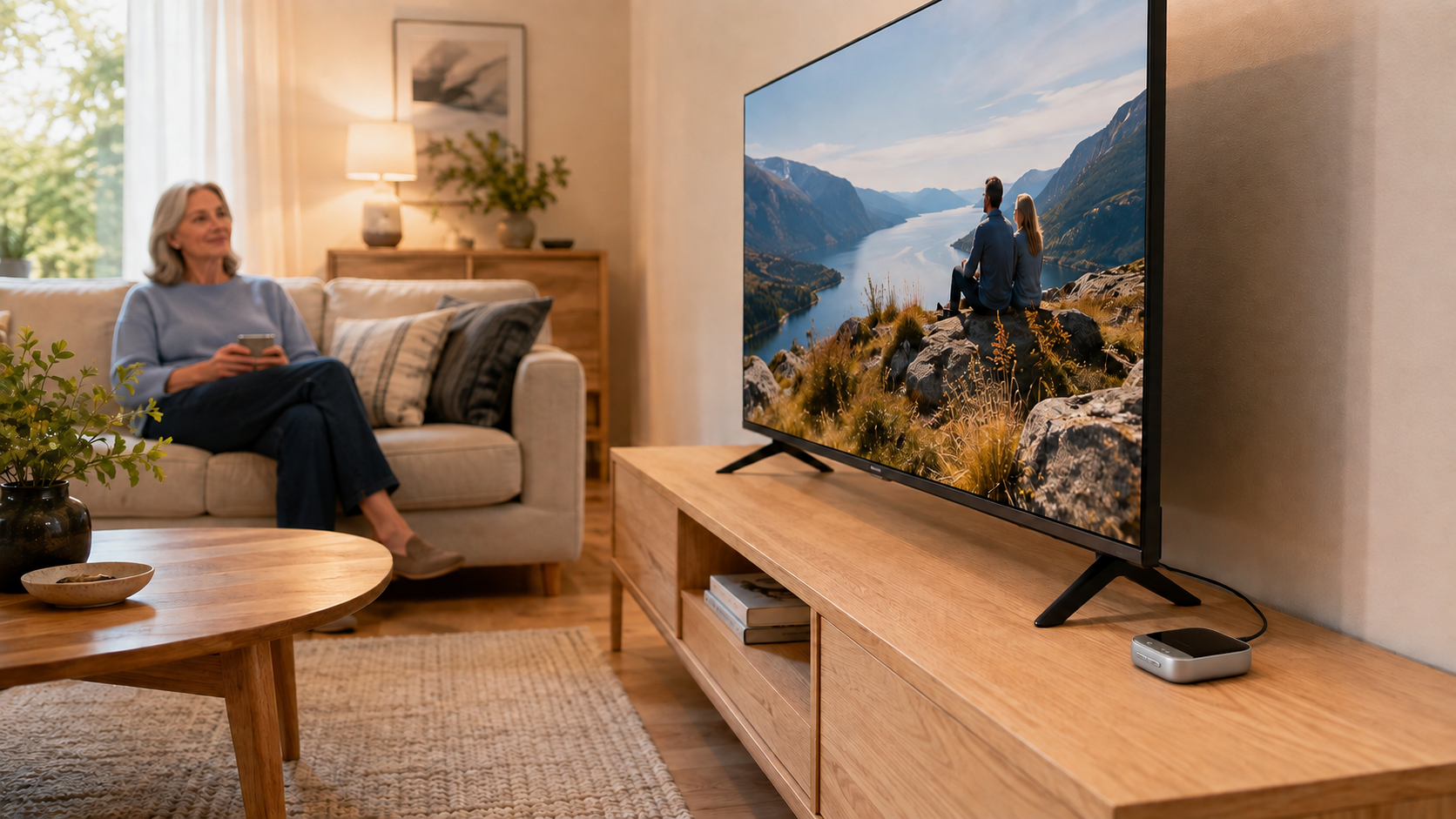
ClearTV sends TV audio directly to compatible hearing aids with latency as low as 35 ms, helping keep streamed sound closely aligned with what you see on screen.
Two Listening Modes. One ClearTV.
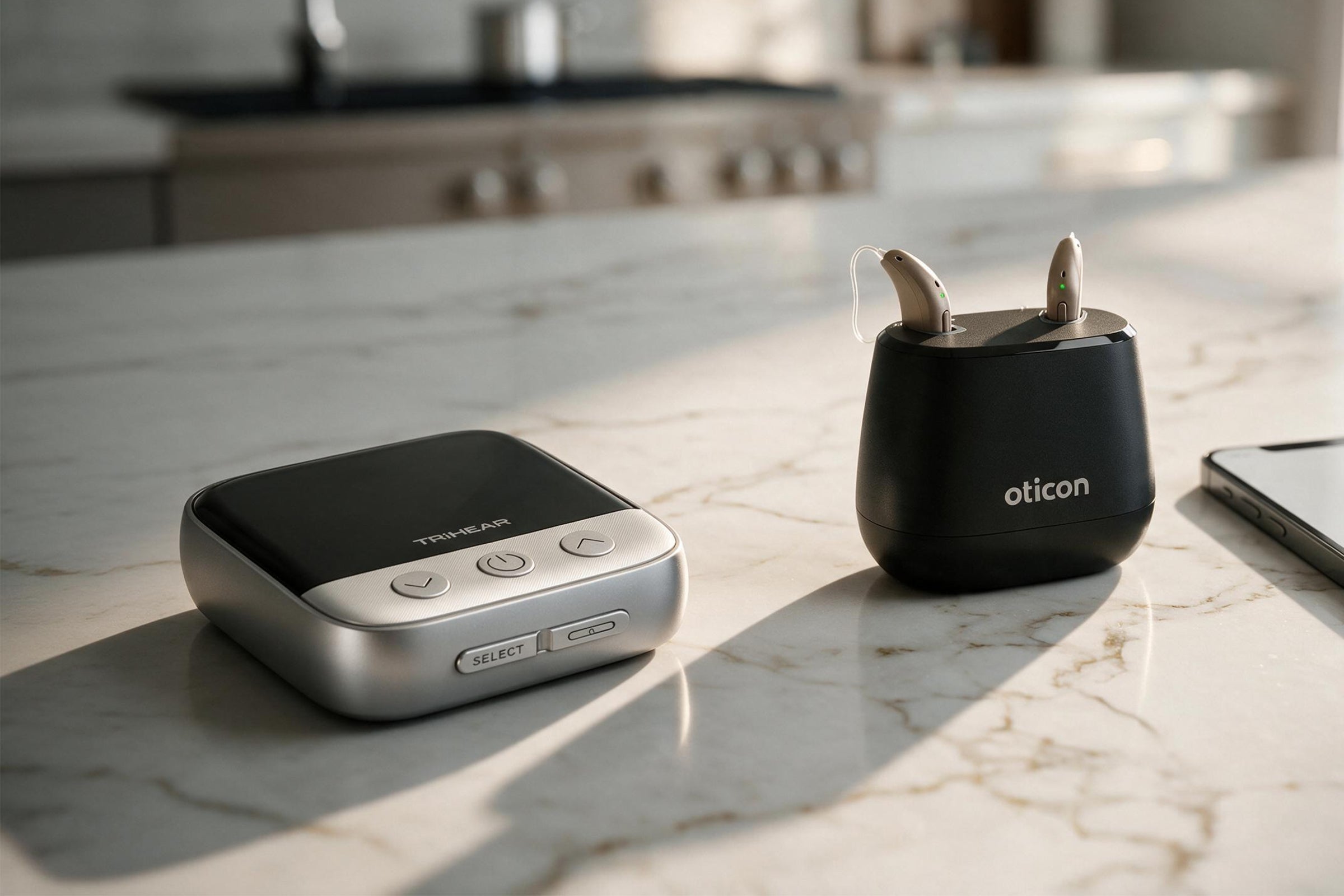
Use LE Audio mode for direct personal listening, or switch to Auracast mode when you want to broadcast TV audio to multiple compatible hearing devices.
Share TV Audio with Multiple Listeners
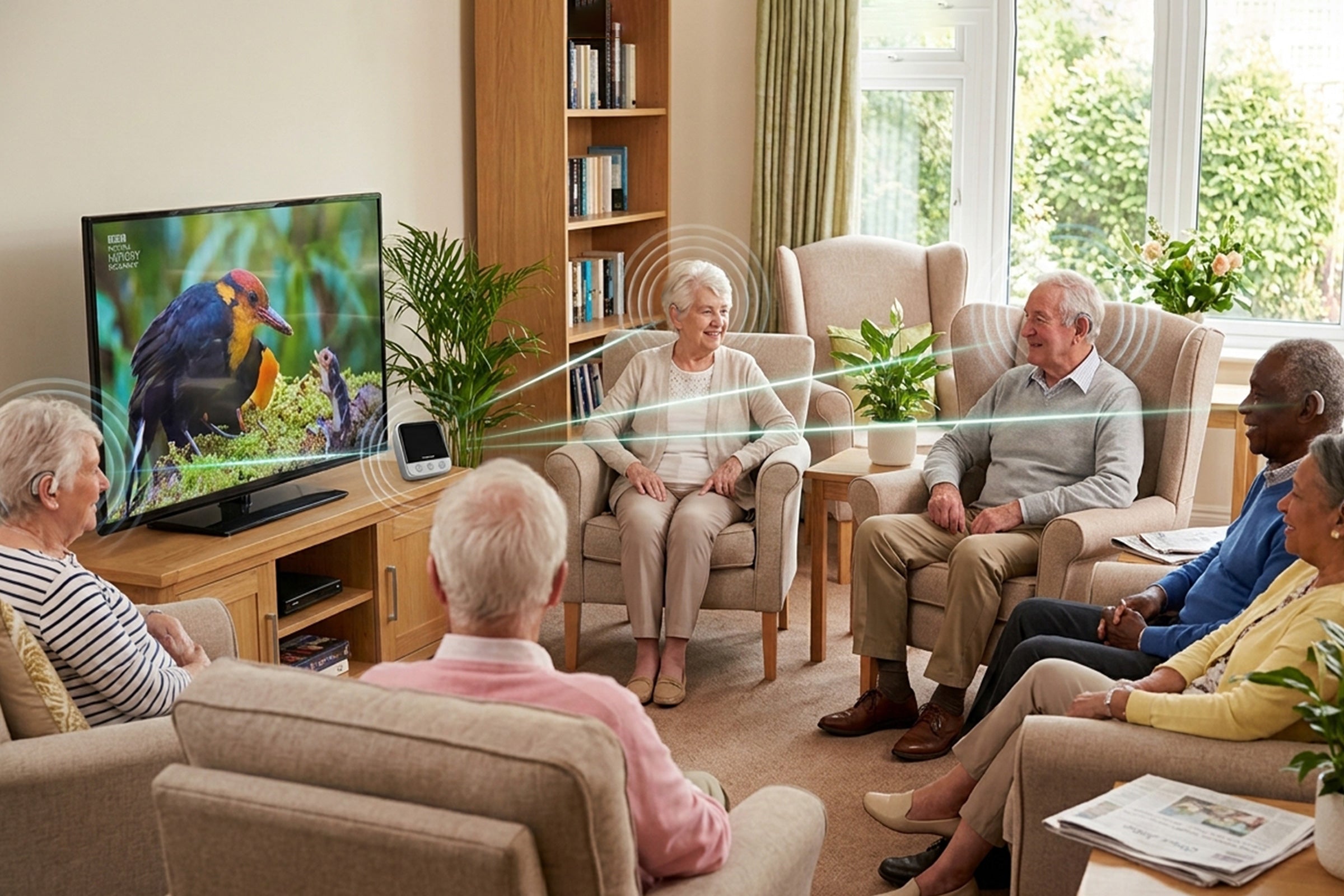
In Auracast mode, ClearTV can broadcast TV audio to multiple compatible hearing devices, making shared viewing more accessible in settings such as senior living communities, lounges, or group viewing spaces.
See What You’re Doing
The built-in display keeps important information in view, including connection status, volume level, battery status, and listening mode. Adjust the streaming volume directly on ClearTV and see the level change on screen, making everyday control more visible and straightforward.
More Ways to Connect
Connect ClearTV to different TV and audio setups through 3.5 mm, optical, or coaxial audio output. Multiple connection options give you more flexibility to work with the equipment you already have.
Ready for Everyday Listening
ClearTV is designed to fit naturally into everyday TV routines. The rechargeable battery provides up to 12 hours of typical use, while previously paired hearing aids can reconnect automatically during normal startup. And when the battery runs low, ClearTV can continue working while charging.
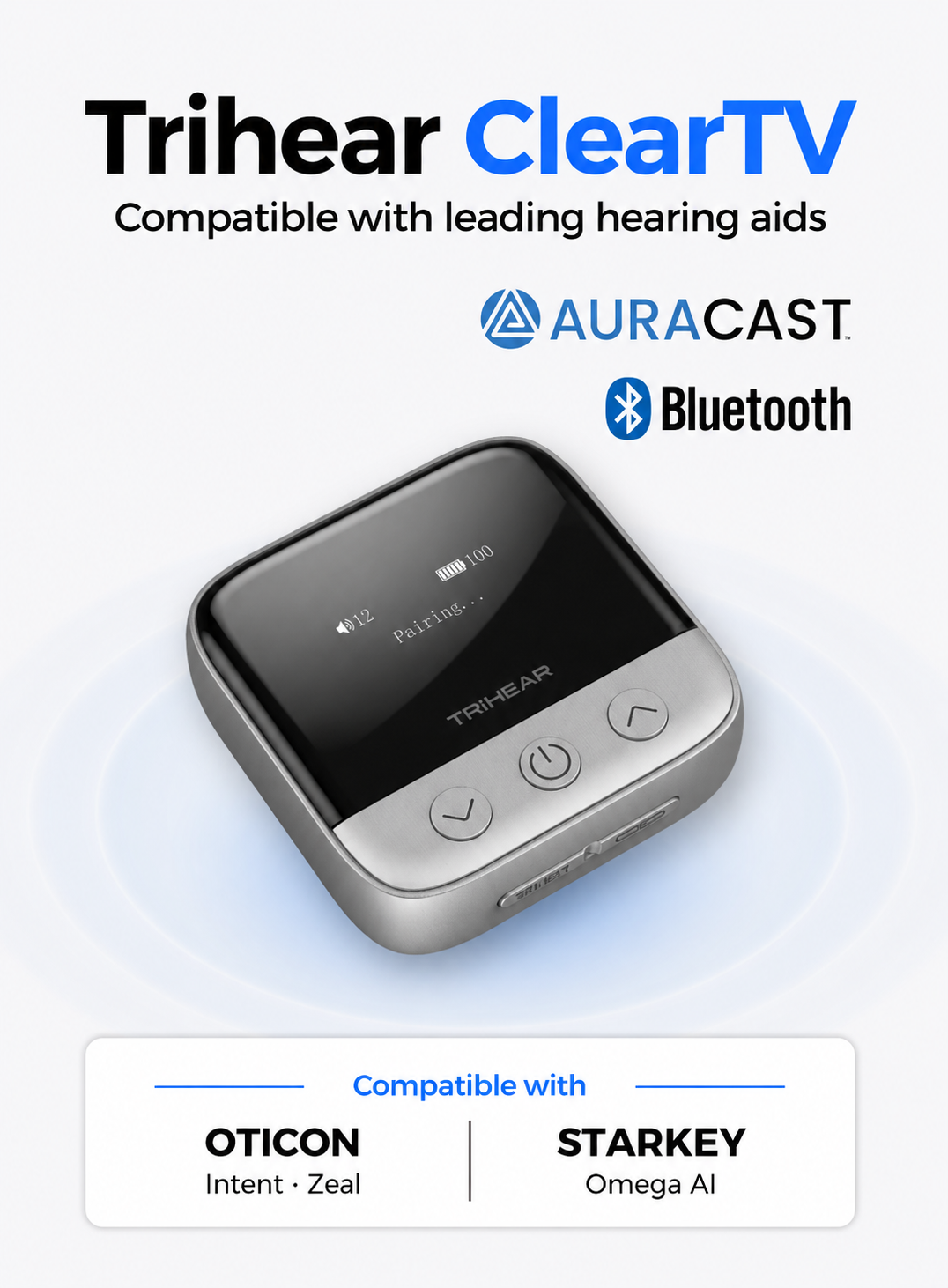
Compatible Hearing Aid Brands
Oticon
Intent Series
Zeal Series
Starkey
Omega AI Series
Important Compatibility Information
Compatibility may vary depending on the hearing aid model, firmware version, and manufacturer updates.
If you do not see your hearing aid model listed, please contact support@trihear.com before purchase.
User Guide
Trihear ClearTV Auralink User Manual (PDF Download)
How to Use Trihear ClearTV Auralink (Video Tutorial)
Testimonials

Evelyn C.
I Can Hear the TV Without Turning It Up
ClearTV Auralink lets me listen through my hearing aids at a comfortable volume, while my husband keeps the television at the level he prefers. Watching TV together feels much easier now.

Marcus R.
TV Time Feels Shared Again
We wanted a way for more than one listener to enjoy the same program. The Auracast™ mode makes shared viewing more convenient with compatible hearing devices, and the sound comes through clearly.

Mei L.
The Display Makes Everything Clearer
I especially like being able to see the connection, volume, battery and listening mode on the screen. It removes a lot of the uncertainty I usually feel when setting up a new device.

George T.
A Practical Addition to My TV Setup
Connecting it to my television was straightforward, and it reconnects to my hearing aids after the initial setup. The physical buttons are easy to find, and the rechargeable battery is convenient for everyday use.
Product specification
Bluetooth LE Audio / Auracast
2.402–2.480 GHz
Up to 15 m (49 ft), unobstructed
Up to 12 hours (typical scenario: one pair of hearing aids within 3 m)
Lithium-ion battery
2 hours
63 * 62.4* 20.7 mm
52 g
As low as 35 ms
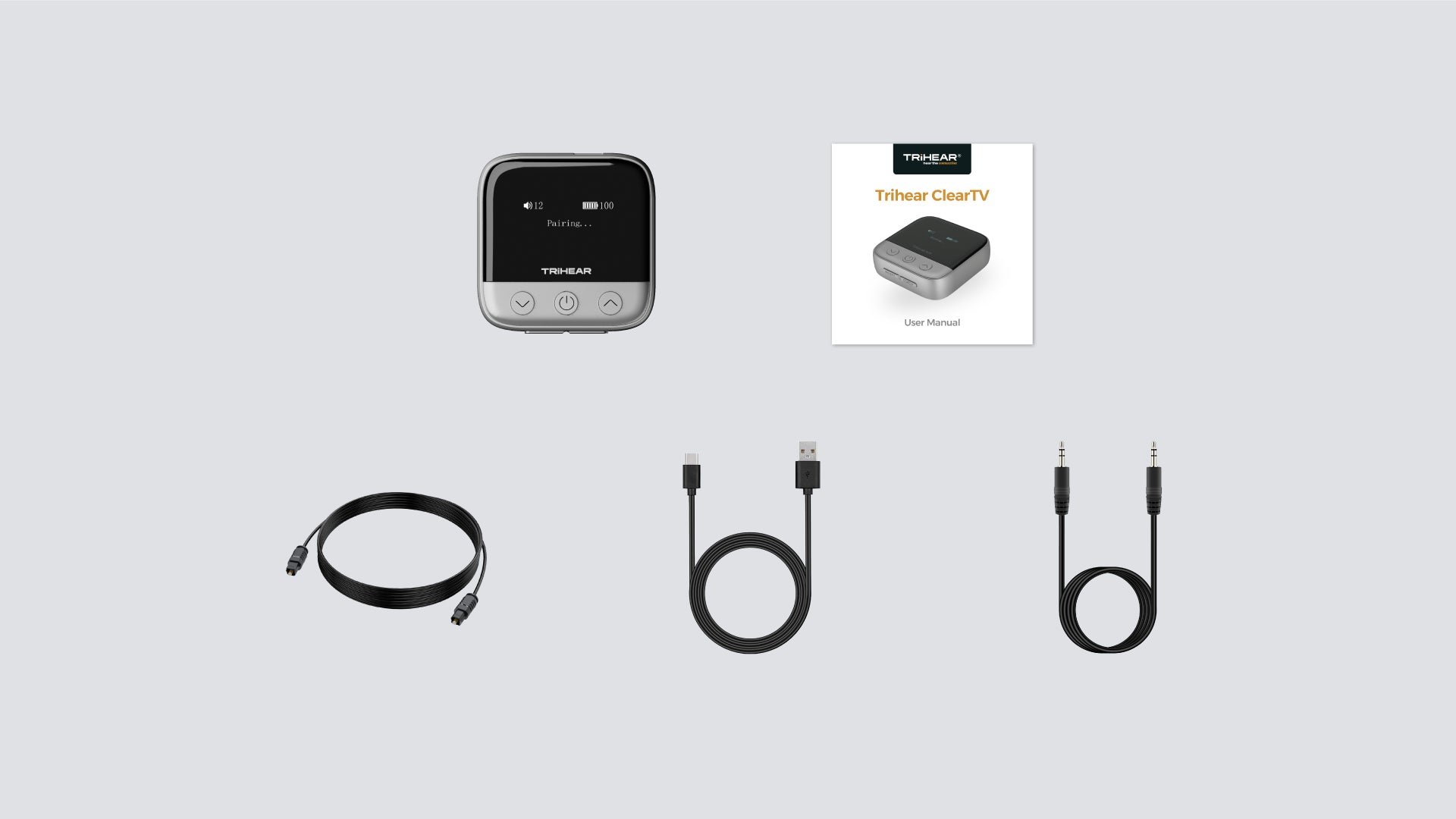
What's in the box
- ClearTV *1
- Type-C Charging cable *1
- 3.5mm audio cable *1
- Optical cable *1
- User Manual *1
FAQ
Check out the most common questions our customers asked. Still have questions? Contact our customer support.
What is ClearTV Auralink?
ClearTV Auralink is a wireless TV audio streamer designed to send sound from your television or another connected audio source directly to compatible hearing aids and hearing devices.
It helps make TV sound easier to follow without relying only on the television speakers or turning up the room volume.
Which hearing aids are compatible with ClearTV Auralink?
ClearTV Auralink works only with compatible Bluetooth LE Audio or Auracast™-enabled hearing devices.
Compatibility can vary by hearing aid model, firmware version and manufacturer updates. If you are unsure, please contact us at support@trihear.com with the exact brand and model of your hearing aids before ordering.
How do I connect ClearTV Auralink to my television?
ClearTV Auralink can connect to a television or another audio source using:
- A 3.5 mm audio cable
- An optical audio cable
- A coaxial audio connection
Choose the connection that matches the available audio output on your television.
How do I pair my hearing aids with ClearTV Auralink?
Turn on ClearTV Auralink and select the appropriate listening mode. Place your compatible hearing aids nearby and follow the pairing instructions for your hearing aid model.
The built-in display shows information such as searching, pairing and connection status, helping you see what the device is doing during setup.
Does ClearTV Auralink reconnect automatically?
Yes. ClearTV Auralink saves previously paired devices and can reconnect to them during normal startup.
If reconnection does not occur, make sure your hearing aids are turned on, within range and ready to connect.
Can I adjust the TV streaming volume?
Yes. Use the up and down buttons on ClearTV Auralink to adjust the streamed audio level.
The current volume level is shown on the display. Depending on your hearing aid model, you may also be able to make additional volume adjustments through your hearing aids or their companion app.
What information appears on the display?
The built-in display can show important operating information, including:
- Connection and pairing status
- Volume level
- Battery status
- Current listening mode
- Auracast™ broadcast status
This makes everyday setup and control more visible and straightforward.
How long does the battery last?
ClearTV Auralink provides up to 12 hours of rechargeable use under typical conditions.
Actual battery life may vary depending on listening mode, connected devices, distance and the surrounding environment.
Can I use ClearTV Auralink while it is charging?
Yes. ClearTV Auralink can continue operating while connected to a power source, allowing you to keep listening when the battery is low.
What should I do if I cannot hear the TV sound?
Please check the following:
- Make sure ClearTV Auralink is turned on and has sufficient battery power.
- Confirm that the audio cable is fully connected to both the television and ClearTV Auralink.
- Check that the correct audio output is selected in your television settings.
- Make sure the correct listening mode is selected.
- Confirm that your hearing aids are compatible, powered on and connected.
- Increase the streaming volume gradually.
- Restart ClearTV Auralink and your hearing aids, then try reconnecting them.
If the issue continues, contact support@trihear.com and include your TV model, hearing aid model and connection method.
What kind of warranty coverage does Trihear provide for the ClearTV Auralink?
Trihear offers a dependable 1-year warranty on the main ClearTV Auralink unit starting from your official purchasing date. The packed accessories (such as the charging and audio cables) are protected by a 6-month warranty period.
Compatibility Disclaimer
Bluetooth® and hearing aid compatibility may vary depending on device model, firmware version, and manufacturer specifications.
All third-party product names, trademarks, brand names, and logos—including but not limited to Phonak®, Unitron®, Oticon®, Signia®, Widex®, Starkey®, ReSound®, Jabra®, and Philips®—are the property of their respective owners.
Trihear is an independent manufacturer of assistive listening devices and audio accessories. References to third-party brands are provided solely for the purpose of identifying compatibility and do not imply any affiliation, sponsorship, endorsement, authorization, or partnership with the respective trademark owners.