

Listening is often treated as a personal experience.
One person wears hearing aids.
One person connects a pair of headphones.
One person adjusts the volume to what feels comfortable.
But many everyday listening situations are not personal at all.
Families watch TV together. People attend lectures, meetings, classes, tours, and community events together. In these situations, the same important sound may need to reach more than one listener.
This is where the idea of shared listening becomes useful.
Shared Listening Is More Than Making Sound Louder
Imagine several people watching the same TV program.
One person may be comfortable with the room volume, while another may still find the dialogue difficult to follow.
Turning the television louder changes the sound for everyone in the room.
Shared listening takes a different approach.
Instead of relying only on the room speaker, the same audio can also be made available through compatible personal listening devices.
The goal is not simply:
make the sound louder.
It is:
make the same important sound available to more listeners in a way that works for them.
One Audio Source, Multiple Listeners
At its simplest, shared listening means that one audio source can be accessed by more than one compatible listener.
With Auracast™, this can take the form of an audio broadcast that compatible receiving devices can join.
That changes the listening model from:
One source → One listener
to:
One source → Multiple compatible listeners
The listeners do not necessarily have to use the same type of device.
Depending on compatibility, receivers may include hearing aids, headphones, or other Auracast-capable listening devices. TRIHEAR’s Auracast product materials similarly describe hearing aids, headphones, and additional compatible receivers as possible receiver categories.
Where Can Shared Listening Be Useful?
Shared listening can make sense anywhere several people need access to the same important audio.
For example:
- TV watching at home — several people may want access to the same program without relying only on the room volume.
- Lectures and presentations — one speaker may need to reach many listeners across a larger room.
- Classrooms and training sessions — the same spoken information needs to reach several participants.
- Guided tours — one guide is speaking to a group.
- Community and public settings — the same audio may need to be available to people using different compatible listening devices.
The listening need is similar in each case:
one important source, more than one listener.
TV Audio and Live Speech Are Different Listening Sources
Shared listening does not always begin with the same kind of sound.
Sometimes the source is a television or connected media device.
Sometimes it is a person speaking live.
That distinction matters because the way the audio is captured is different.
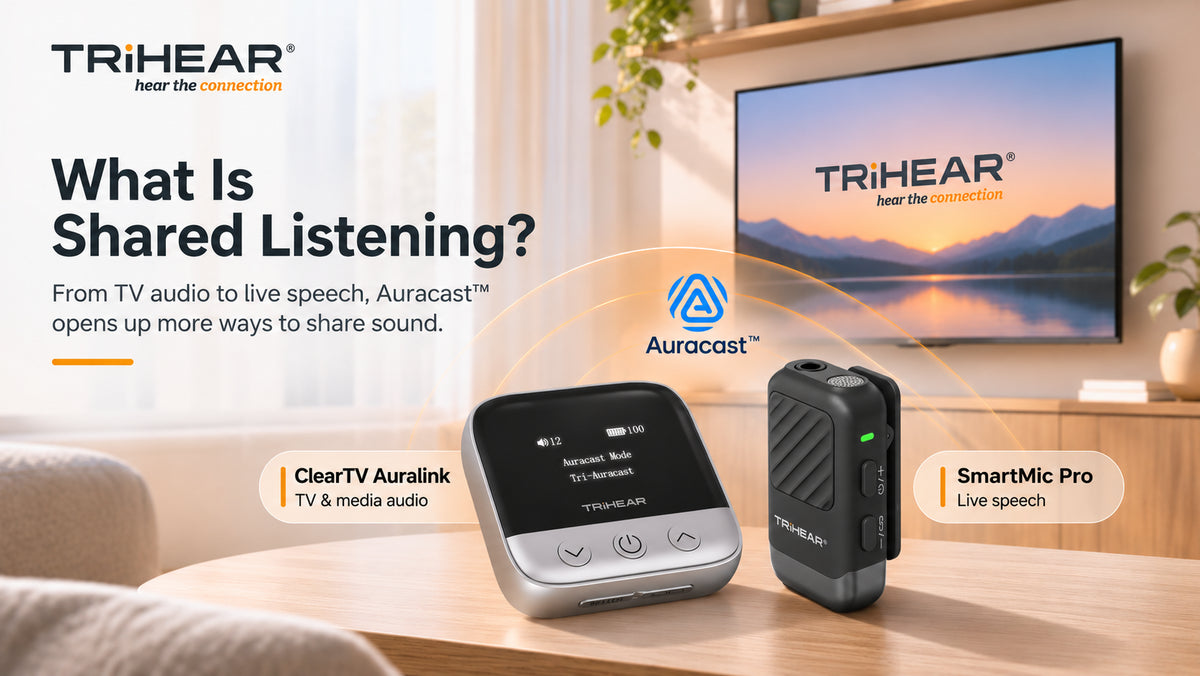
For connected TV and media audio, ClearTV Auralink is designed as an audio streamer and Auracast™ transmitter.
For live speech, SmartMic Pro(up coming) combines a remote microphone with Auracast™ broadcasting, allowing the microphone to be placed closer to the speaker before sharing that voice with multiple compatible receivers.
The underlying idea is the same:
make the important sound easier to access for more than one listener.
But the starting point can be very different.
Why the Audio Source Still Matters
Auracast does not remove the need to think about where the sound comes from.
For TV listening, a more direct audio path may help avoid relying entirely on sound traveling through the room.
For live speech, microphone placement can matter.
If a speaker is several meters away, their voice must travel through the room before reaching a listener. Distance, background noise, and room acoustics can all affect that path.
A remote microphone changes the starting point by capturing the speaker’s voice closer to the source.
This is why shared listening is not only about how many people can receive the audio.
It is also about how that audio enters the listening system in the first place.
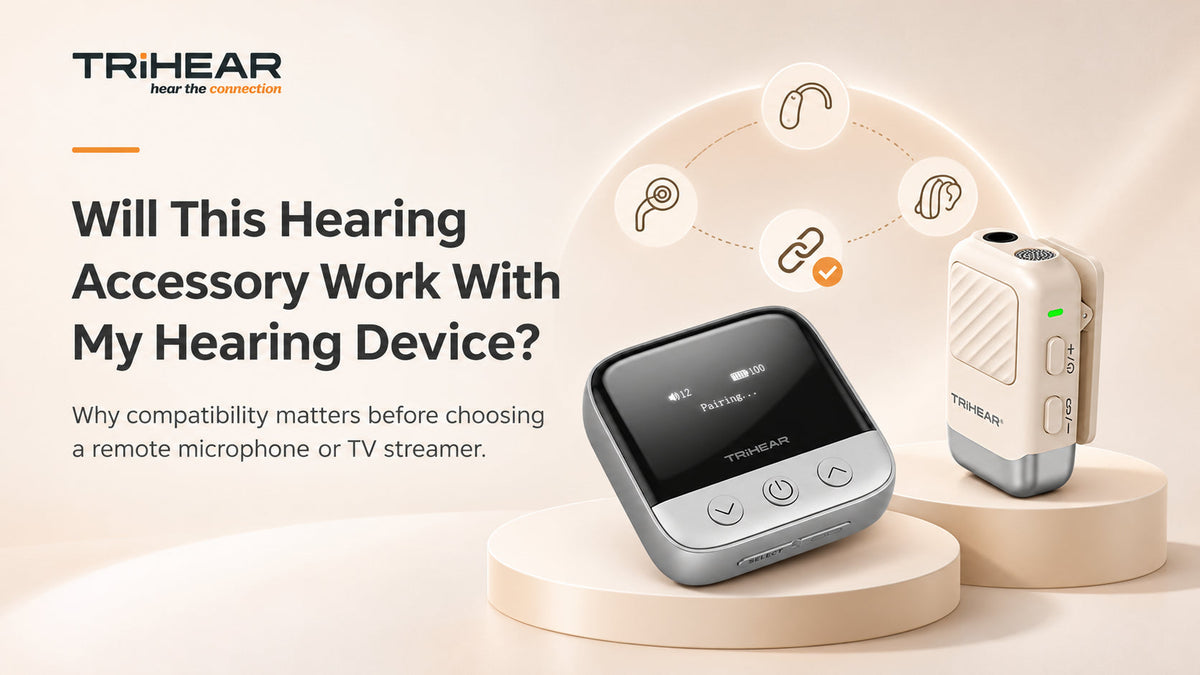
Compatibility Still Matters
Shared listening does not mean every Bluetooth device will automatically work together.
Compatibility can depend on the exact device model, firmware, setup, and whether the receiver supports Auracast™.
TRIHEAR’s own Auracast materials make the same distinction: receiver compatibility varies by model, firmware, and setup.
Before choosing a shared listening setup, it is always worth checking the receiving devices that will actually be used.
Shared Listening Is Really About Access
The most interesting part of shared listening is not simply that one source can reach more devices.
It is that different people can potentially access the same important audio through listening devices that better fit their own needs.
One TV program.
One speaker.
One lecture.
One important message.
More than one person able to join the listening experience.
That is the practical idea behind shared listening.
Not simply louder sound — but more ways for people to access what matters.
Explore TRIHEAR Auracast™ Solutions
TRIHEAR is developing Auracast™ solutions for both connected audio and live speech, including ClearTV Auralink and SmartMic Pro(Up coming).
Explore TRIHEAR Listening Solutions →


Leave a comment
This site is protected by hCaptcha and the hCaptcha Privacy Policy and Terms of Service apply.